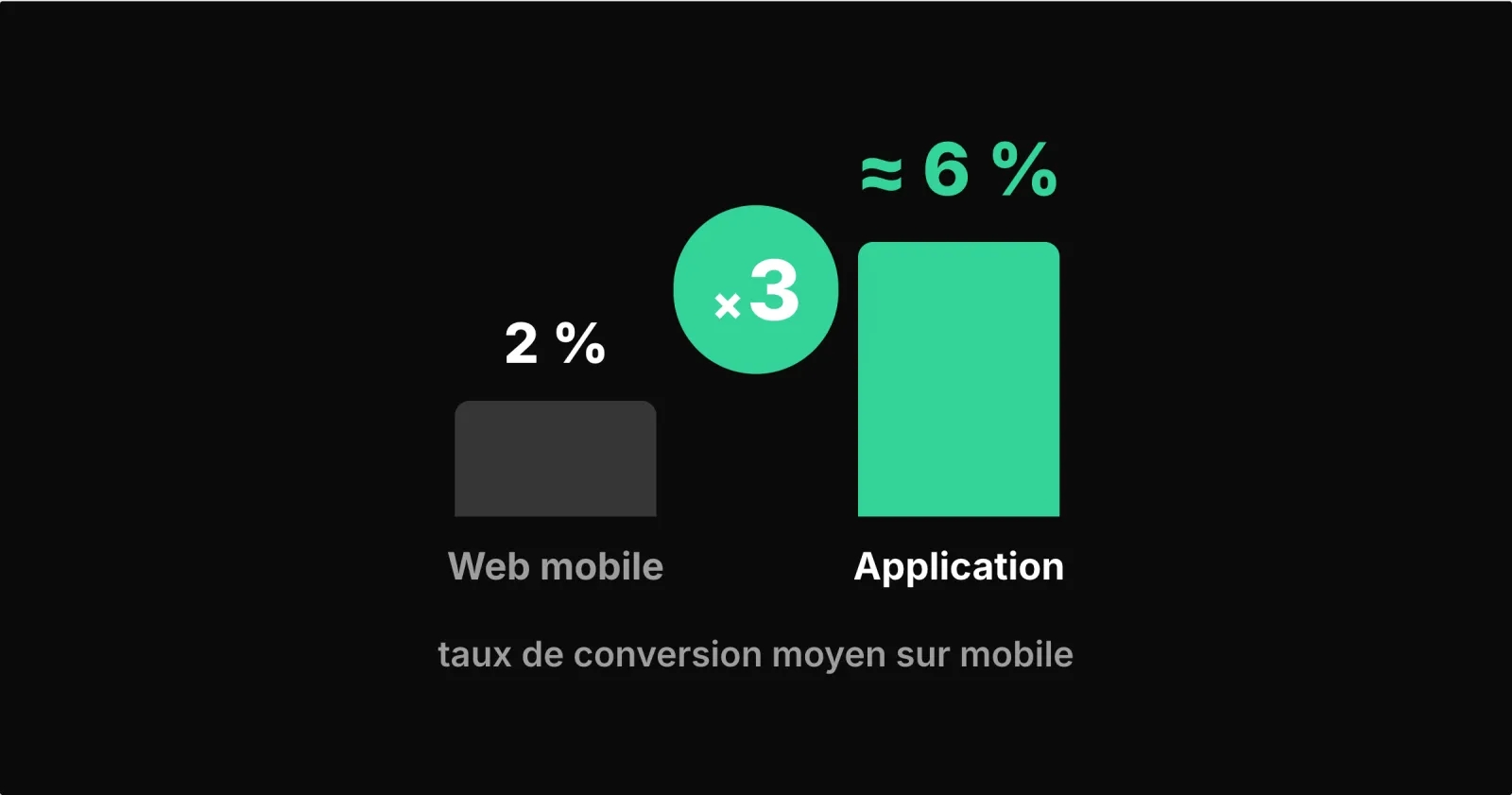
An app converts better than a mobile website: according to Google, an ad click that opens the app converts on average 2.8 times more than a click that leads to the mobile website. This figure says two things: the app brings together your most engaged customers, and it gives them the shortest path to checkout. To measure what it adds to your store, compare like with like.
What the conversion rate measures
The conversion rate is the number of orders divided by the number of visits (sessions) over a period. A mobile website with 10,000 visits and 150 orders in a month converts, for example, at 1.5%. To compare two channels, count visits and orders the same way on both sides: same period, same definition of a visit, paid orders only.
Why the app converts better
Google's figure (Google data, April 2025) covers clicks from people who have already installed the app. That is exactly its value: the app becomes the channel of your best customers, who find their account, their basket and your new arrivals without having to look for you.
In your store too, installing the app is something loyal customers do. To measure what it adds, compare it with the same customers when they use the website.
What an app really improves
Coming back: the home-screen icon saves searching for your store or finding a link again.
Picking up a purchase: customers stay signed in and find their basket again, without re-entering their details.
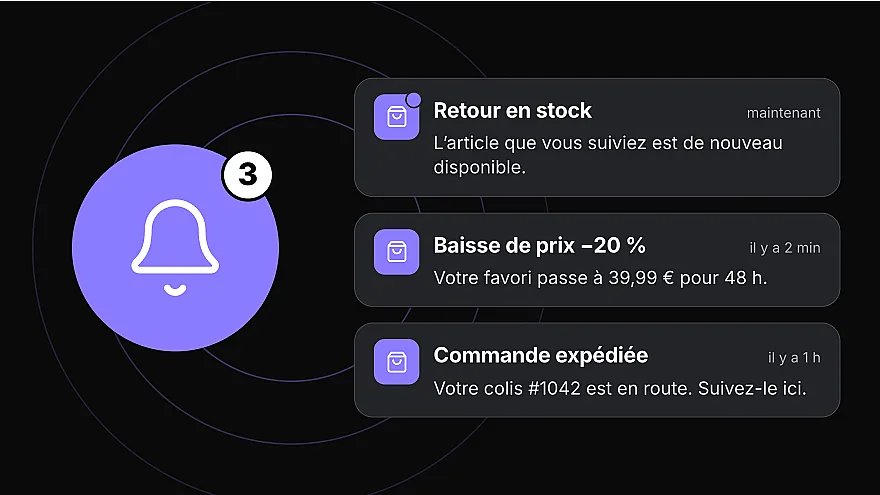
A reminder at the right time: a notification can flag a product back in stock or a basket waiting, if the customer has allowed it.
A shorter checkout: in a Prestafy app, address, delivery and payment fit on a single page.
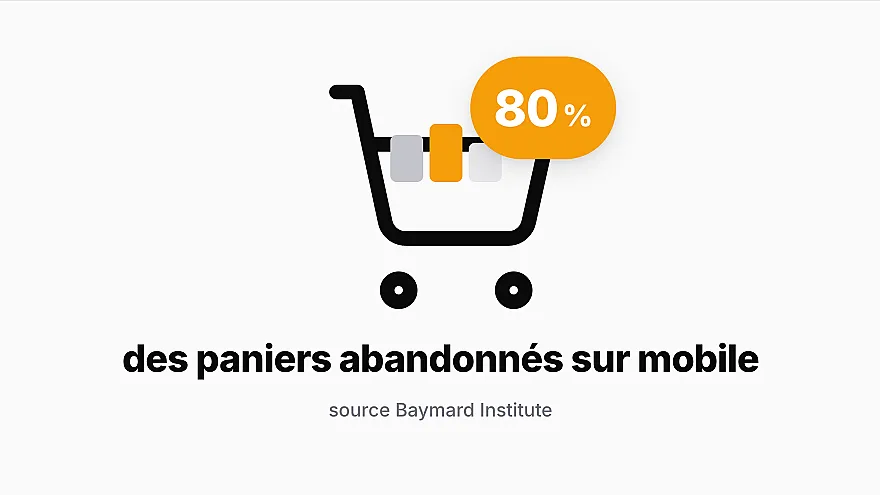
For the rest of the journey, the levers are explained in our article on reducing mobile cart abandonment.
The right way to compare
Compare similar groups over the same period:
| Indicator | What it tells you | How to read it |
|---|---|---|
| Conversion of existing customers, on the mobile website and in the app | Whether the app makes repeat purchases easier | The fairest comparison: same type of customer, two channels |
| Conversion of new visitors on the mobile website | How well the website works for discovery | That is the website's role: attracting and converting new customers |
| Purchase frequency of customers who use the app | Whether the app brings them back more often | Compare with their frequency before installing |
| Share of orders placed in the app | The real weight of the channel | To grow it, invite customers to install the app: a banner on the mobile website, an invitation after each order |
| Customers still using the app after a few weeks | Whether the app is used over time | Useful notifications and new arrivals give them a reason to come back |
Use at least a few weeks of data, and be wary of sales or campaigns, which inflate one channel more than the other.
What this means for your PrestaShop store
As soon as some of your customers come back several times a year, the app makes every repeat purchase easier. To bring them there, Prestafy shows an install banner on your mobile website and invites customers to install the app after each order. Your website remains the way in for new customers; the app becomes the way in for your regulars.
To choose a format, see our comparison of apps, responsive websites and PWAs; to see where mobile stands in online shopping, the key mobile commerce figures for 2026. With Prestafy, your PrestaShop store gets an iOS and Android app connected to its catalogue and orders, and the dashboard separates baskets created in the app from those created on the website. Design and preview your app for free.