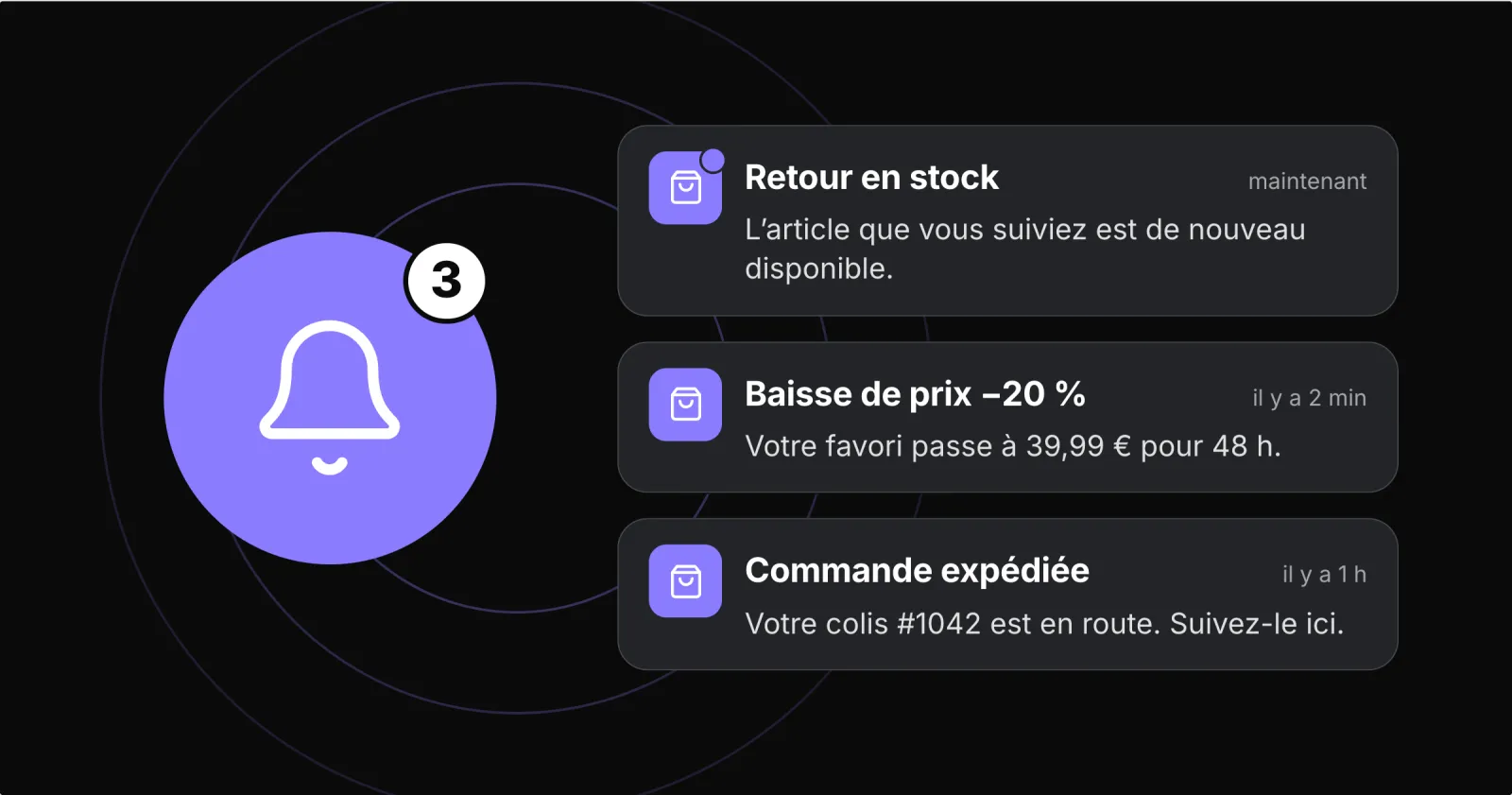
A push notification is a short message that an app displays on its users' phones, even when the app is closed. For an online store, it tells a customer that an order has shipped, that a product they wanted is back or that a basket is waiting. It is the most direct channel to your customers: the message appears on their screen, and a tap brings them back to your store.
How it works
After installing the app, customers choose whether to allow notifications: this is the phone permission, requested on iPhone and on Android since version 13. The message is then delivered by Apple's and Google's services to the device. A tap opens the app in the right place: a product, a category, order tracking or the basket.
Two kinds of consent should be kept apart. The phone permission allows notifications to be displayed; agreeing to receive marketing offers is a separate choice. A customer may want to track an order without receiving promotions: respecting that choice is what keeps them reachable.
Push notification, email or SMS?
Email reaches anyone who has given you their address; it suits longer messages and newsletters. SMS reaches every phone, but each message costs money. A push notification reaches customers who have installed your app, often your most loyal ones. It costs nothing to send, appears immediately and opens the right page directly.
Three examples of useful messages
| Situation | Message | Who and when |
|---|---|---|
| Order shipped | "Your order is on its way. Track its delivery in the app." | The customer concerned, as soon as the status changes |
| Back in stock | "The jacket you were waiting for is available again in size M." | Customers who asked for the alert |
| Basket waiting | "Your items are waiting for you. Pick up your order whenever you like." | Once, a few hours after abandonment |
The first is a service the customer expects. The other two drive purchases when they stay targeted and spaced out. For basket reminders, see also our five fixes against cart abandonment.
Good practices
Target: a message sent to everyone rarely concerns everyone. Choose the audience by interest, purchase history or recent activity.
Limit frequency: set a daily and weekly cap for marketing messages, and do not send them at night.
Be specific: a short title, a clear reason to open, and a landing page that matches the message.
Keep service and offers apart: a shipping notice should not be used as a pretext for a promotion.
What to measure
Track, in order: the share of your users who allowed notifications, the messages accepted by Apple and Google, the opens, then the orders placed after an open. Compare campaigns of the same kind: a shipping notice and a promotion do not have the same goal. To isolate the effect of a message, compare with a group that did not receive it, if your volume allows.
And without an app?
A website can also send notifications, through browser web push. On iPhone, Apple only allows it for websites added to the home screen as a web app, since iOS 16.4. App notifications look like those of the other apps on the phone, with your store's name and icon. To reach your regular customers on their phones, an installed app remains the simplest route; our comparison of apps, responsive websites and PWAs explains the differences.
With Prestafy
Prestafy connects your iOS and Android app to your PrestaShop store. Order status notifications are included from the Basic plan; segmented and scheduled campaigns and advanced automations (abandoned cart, back in stock, loyalty) from the Advanced plan, with sending limits and quiet hours. To set them up, follow our PrestaShop push notifications guide; to compare plans, see the pricing page. Design and preview your app for free.