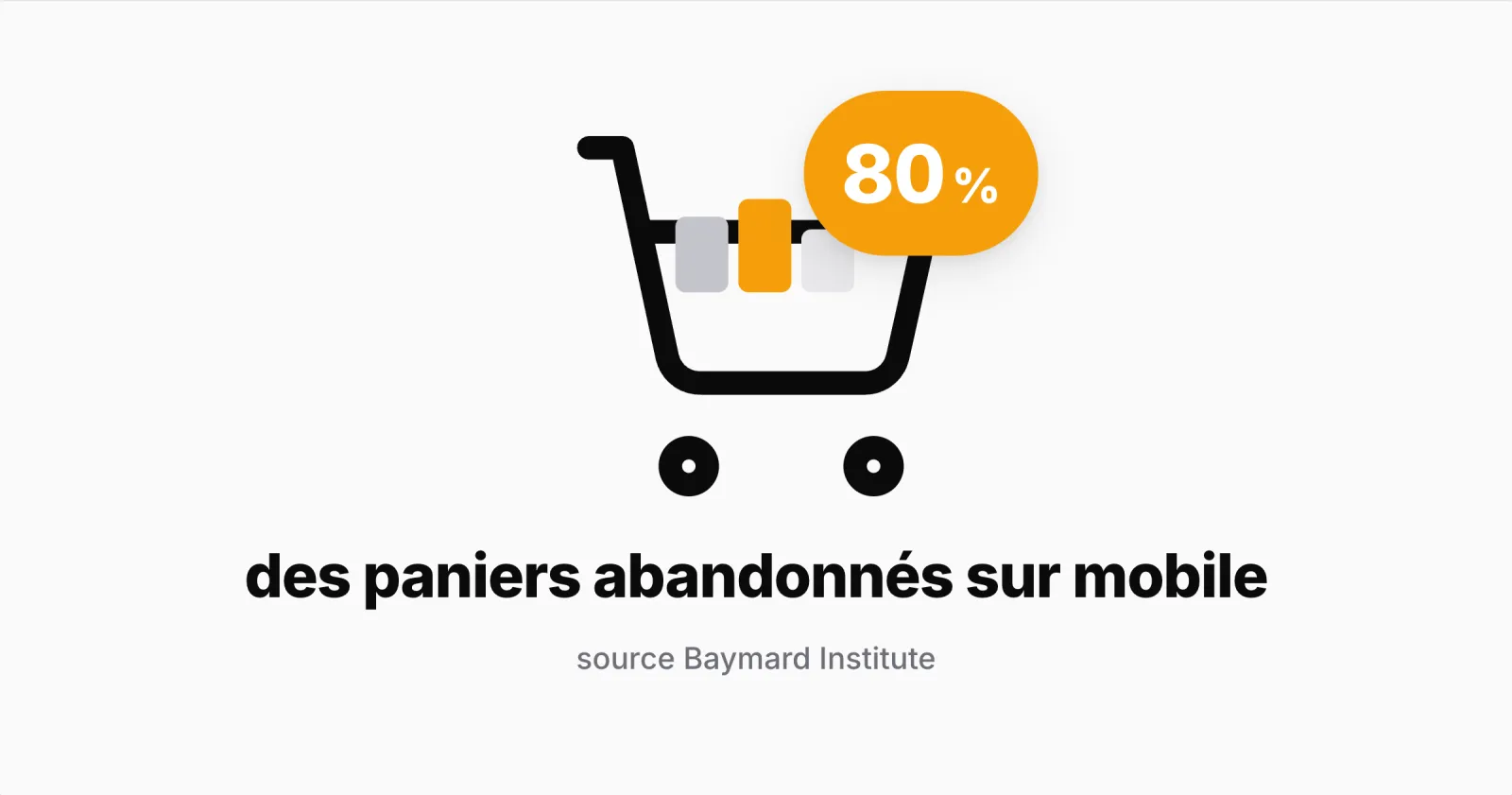
Seven baskets out of ten are abandoned before payment: that is the average of 50 studies compiled by the Baymard Institute (70.22%, updated September 2025). Some of this is normal, because many visitors compare prices or set a product aside. The rest comes from obstacles you can fix, and a small screen makes them even more frustrating.
Why shoppers abandon their baskets
Baymard asked US online shoppers about their most recent abandonment. Leaving aside those who were just browsing, the most common reasons are:
| Reason | Share of shoppers |
|---|---|
| Extra costs too high (delivery, taxes, fees) | 40% |
| Delivery too slow | 20% |
| Did not trust the site with card details | 19% |
| Account creation required | 18% |
| Checkout too long or complicated | 17% |
| Total cost not visible up front | 12% |
These figures describe US shoppers, not your store. They show what to check first; your checkout data will tell you where your own customers stop.
Five fixes to test
1. Show the total cost before payment
Display delivery costs from the basket, or an estimate if the address is not known yet. Show the free delivery threshold if you have one: customers look for it. In PrestaShop, check what the basket summary shows to a visitor who is not signed in.
What to measure: the move from basket to the delivery step, before and after the change.
2. Allow guest checkout
Requiring an account before a first purchase drives some shoppers away. PrestaShop offers guest checkout in its order settings; suggest creating an account after the purchase instead, when the customer has a reason to come back.
What to measure: the share of guest orders and the conversion of first orders.
3. Shorten the form on mobile
Remove optional fields nobody fills in, show the right keyboard (numbers for phone and postcode) and flag each error next to the field concerned. Test the journey yourself on a real phone, with a long address and an average connection.
What to measure: drop-offs at the address step.
4. Reassure at payment
Show clearly which payment methods you accept and your returns policy. Express payment such as Apple Pay or Google Pay helps if your payment module offers it, but it does not fix a badly displayed price or a lack of trust.
What to measure: drop-offs on the payment page and declined payments.
5. Remind customers who meant to come back
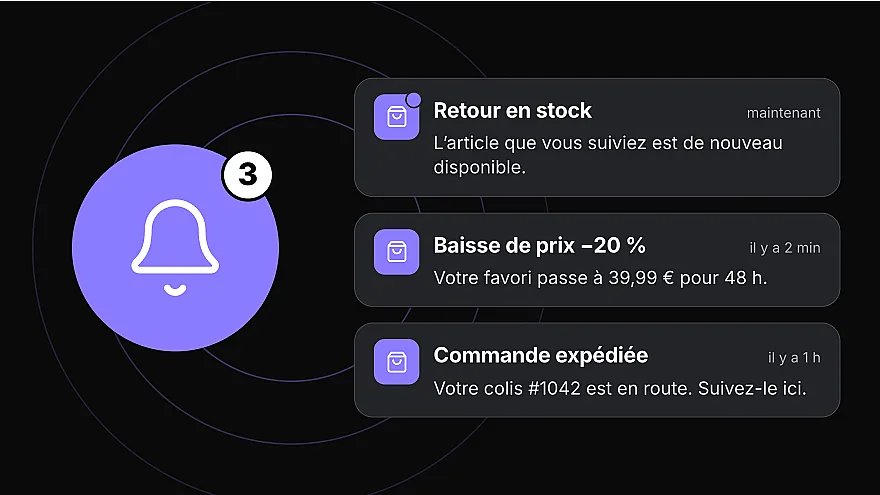
Once the journey is fixed, a reminder can bring a customer back to their basket: by email if they left an address, by notification if they use your app and have allowed it. The notification appears right on the phone screen, and a tap takes the customer back to their basket. One well-timed reminder is better than a series of follow-ups.
What to measure: orders placed after the reminder, not just clicks.
And in an app?
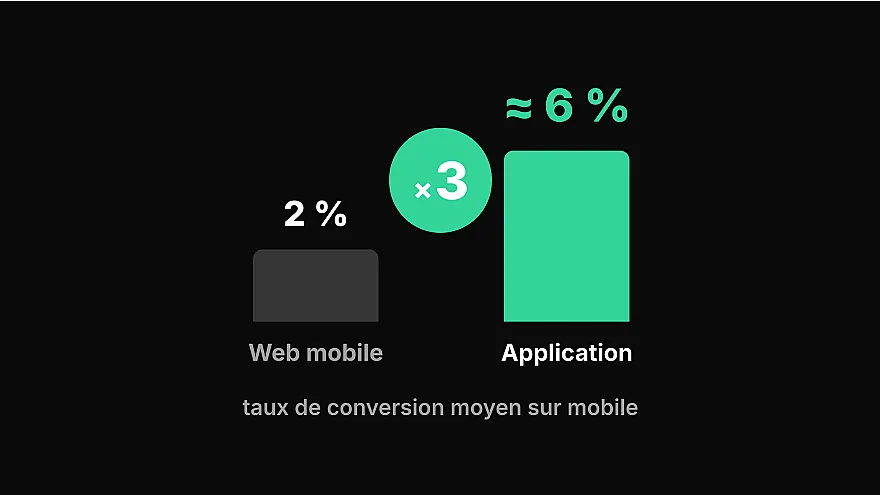
For your regular customers, an app removes several of the reasons for abandonment in the table above. They stay signed in: no account to create, no address to re-enter, and their basket is waiting when they open the app. In a Prestafy app, checkout also fits on a single page: address, delivery and payment are handled in one place, without a series of steps.
Abandoned basket reminders by notification are part of the Advanced plan automations in Prestafy: you choose the delay and the message, then track the orders placed after opening. Our PrestaShop push notifications guide shows how to set it up, and our article on push notifications for e-commerce explains how to use them without tiring your customers. Design and preview your app for free.